Does your small business need IT support?
If run a business, no matter how large or small it is, the chances are you use IT on a.


Let’s start with this scary thought! If you lost your data, chances are your operation would be compromised and suddenly stop. With no way of fulfilling orders or servicing your clients you no longer have a business. Ouch!
There are various ways you can lose your data, and we’ll move onto that cheery section soon, but in the meantime let’s explore what data backup is and how it can help you.
Data backup is a copy or archive of information stored on your computer, tablet or phone. That copy is used to restore your data in the event that it is lost so that your business can continue as if the loss never occurred.
Zestly are managed IT providers. As part of a managed IT package, we regularly back up data for our clients to ensure they are protected from data loss.
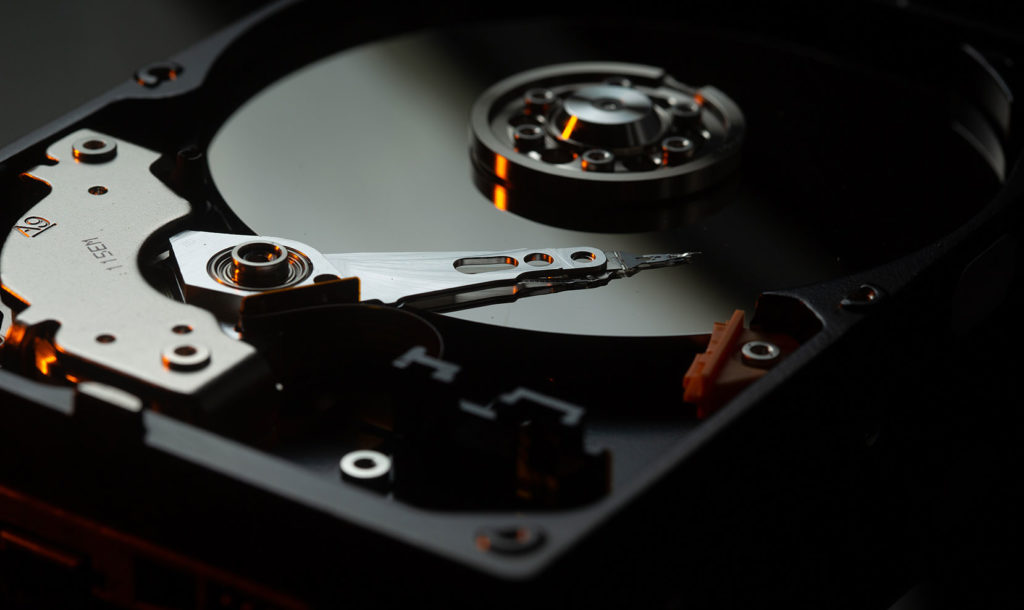
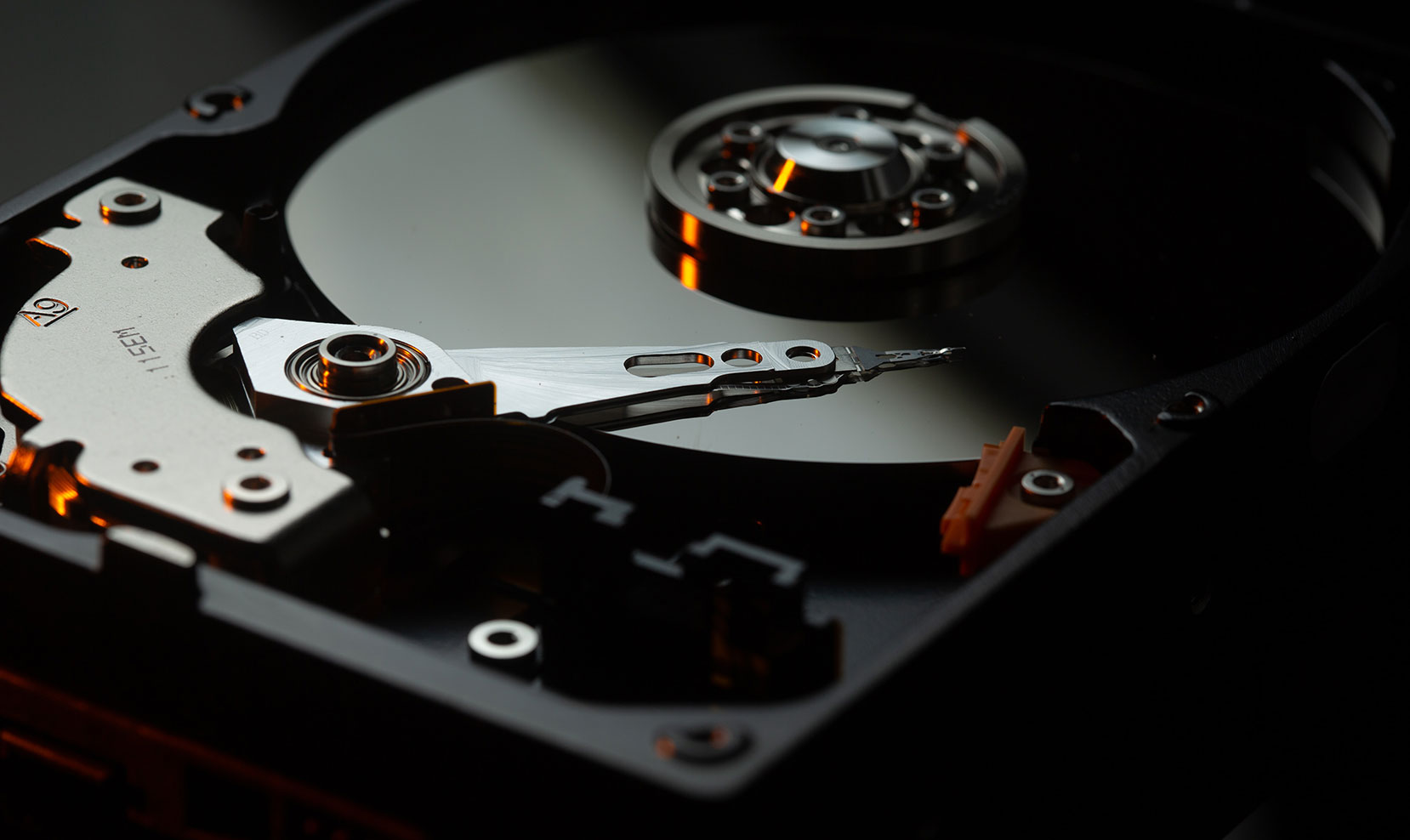
Hard drive failures can cause a loss of data, as can software corruption. Regularly maintaining your hardware and software as part of a managed IT package can avoid these failures, but when they do occur, they can be devastating for businesses.
Cyberattacks are responsible for a significant proportion of data loss incidents. Robust, continually updated, cyber security is essential to keep a step ahead of cyber criminals.
Human error and theft of devices also account for many data loss events. These are difficult to avoid but the result is the same if you don’t have a data backup system in place.
There are some basics to address first. At Zestly we would advocate keeping at least three copies of your data which should be stored in at least two different formats. You can choose between disks, tapes and cloud. One of the copies should be off site in case of physical threats such as theft, fires, floods and other disasters.
You can choose between three main types of backup:
As we touched on earlier, there are various types of data backup solutions to choose from. Here are three main types.
Cloud backup provides flexible storage. Stored offsite on remote servers with infinite space, data backed up to the cloud is usually encrypted for data security. As part of your backup strategy, you can organise automated backups of complete systems if required. Data backed up to the cloud is easy to access so restoring lost data is processed quickly.
External hard drives such as USB flash drives and SSDs (solid state drives) provide ample storage of data.
The likes of Dropbox and Google Drive store backups of data files but these services can be limited. They can’t accommodate multiple versions and they’re unable to back up complete systems.
At Zestly we would recommend cloud data backup, although our managed IT services can include the safe implementation and running of regular data backups across a range of options.
For more information on how Zestly can manage your data backups, get in touch with the team for an informal chat.


If run a business, no matter how large or small it is, the chances are you use IT on a.
Have you ever lost data? If the answer's yes, no doubt you remember the trauma and impact on your business..

When moving offices, companies often think of the aesthetics and furniture before spending time planning the transition of their IT.